Festive banners, ready before the festival
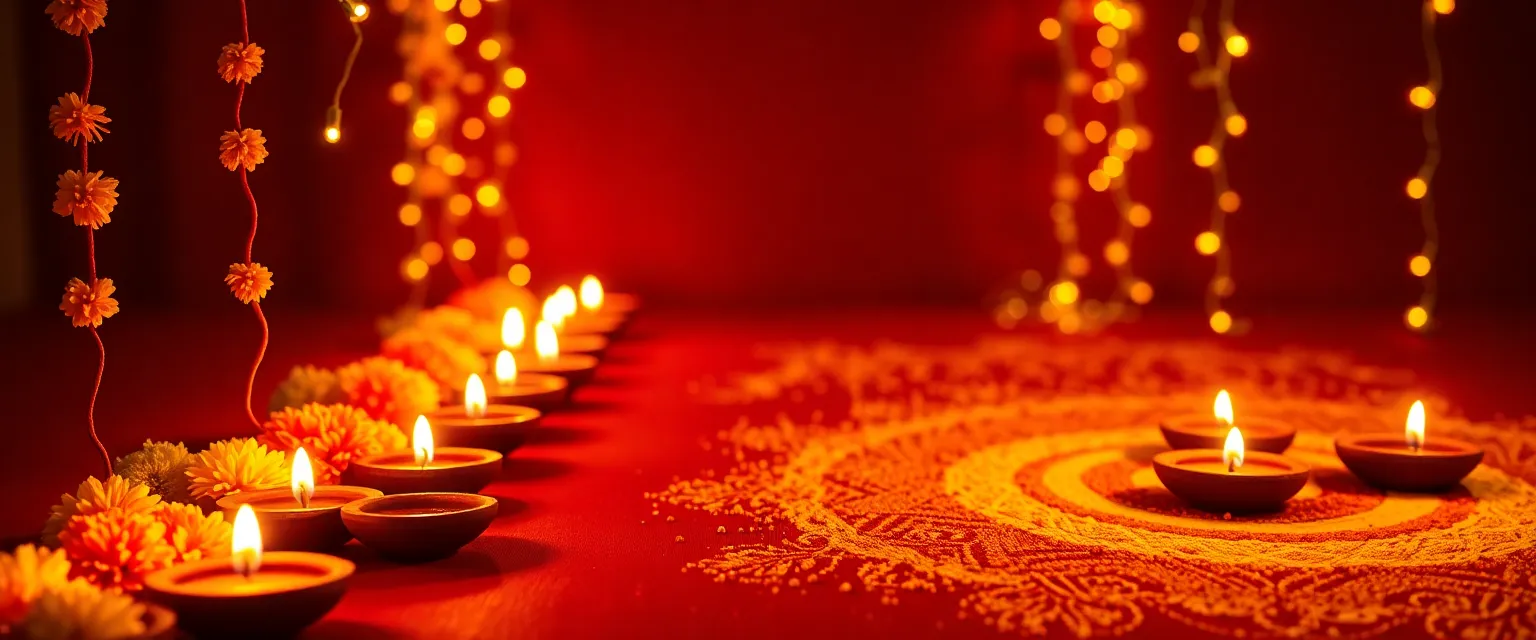
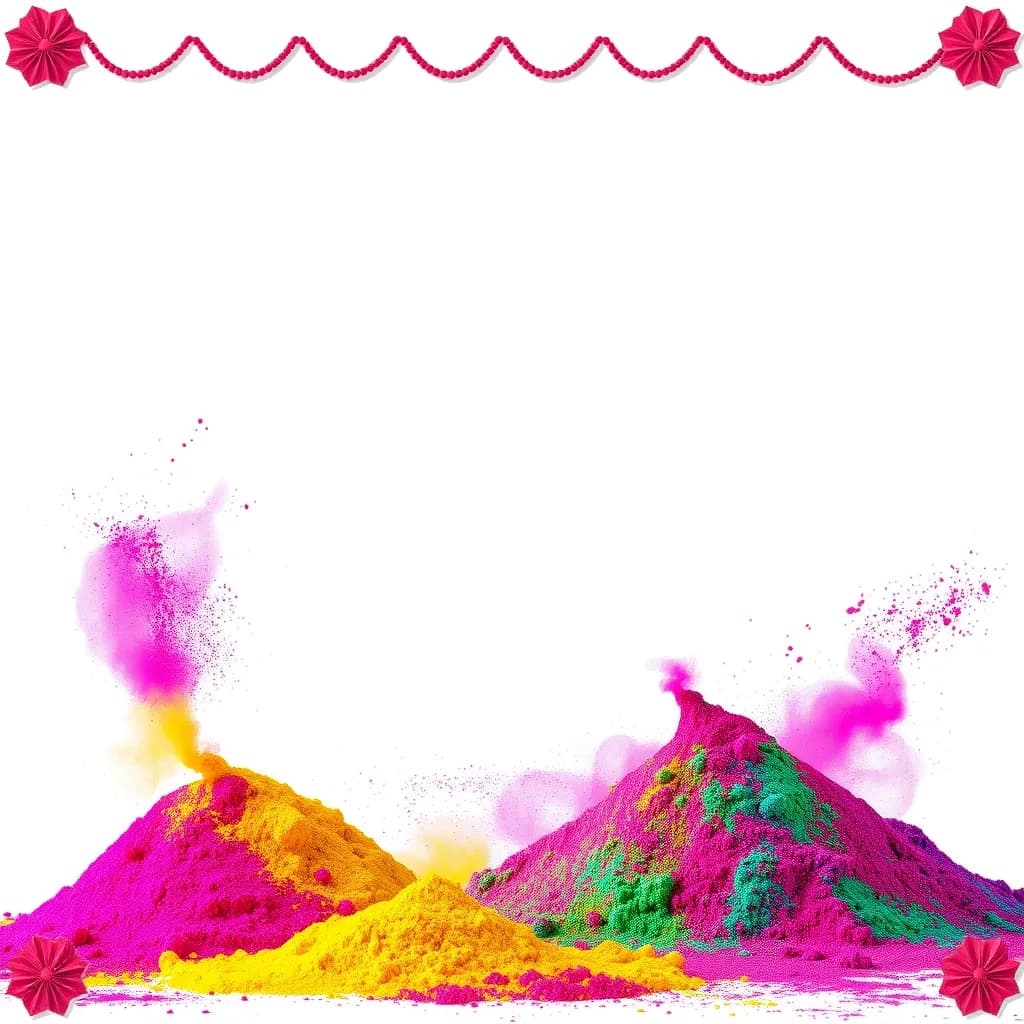
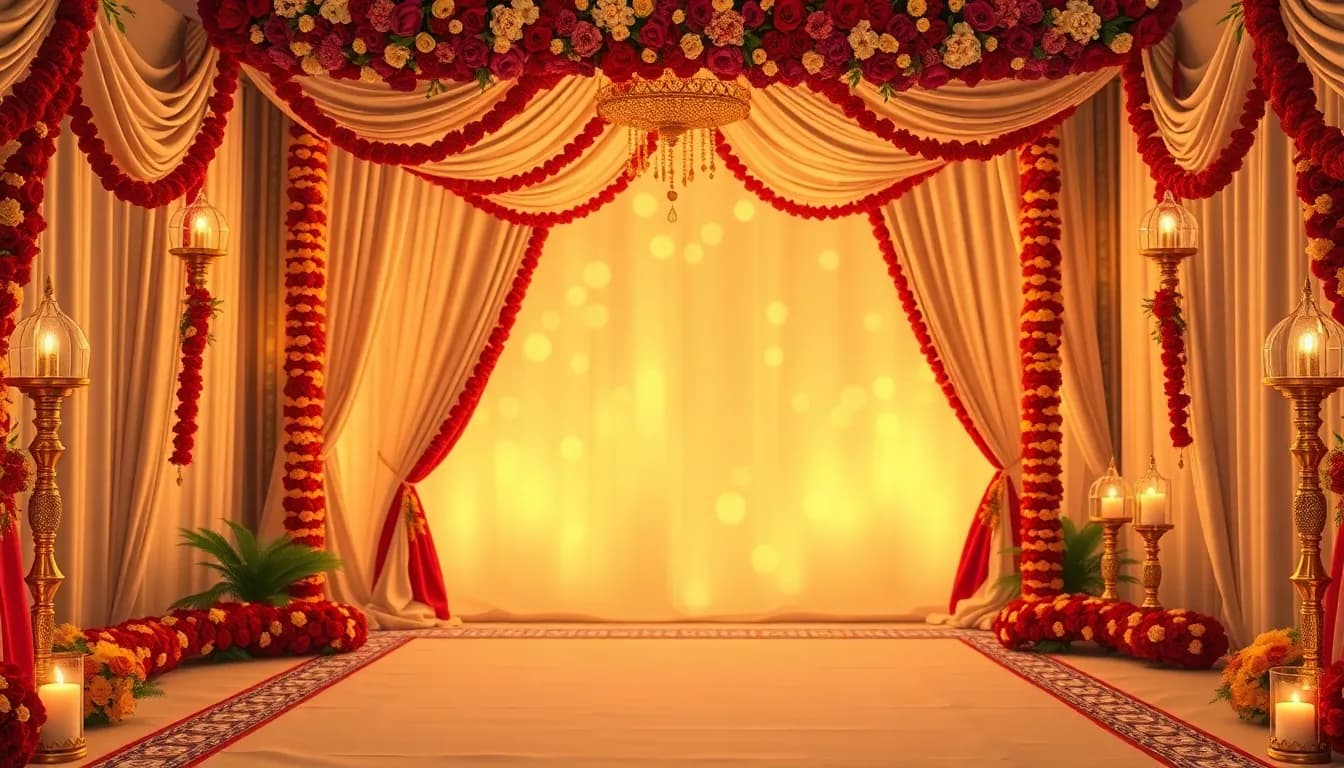
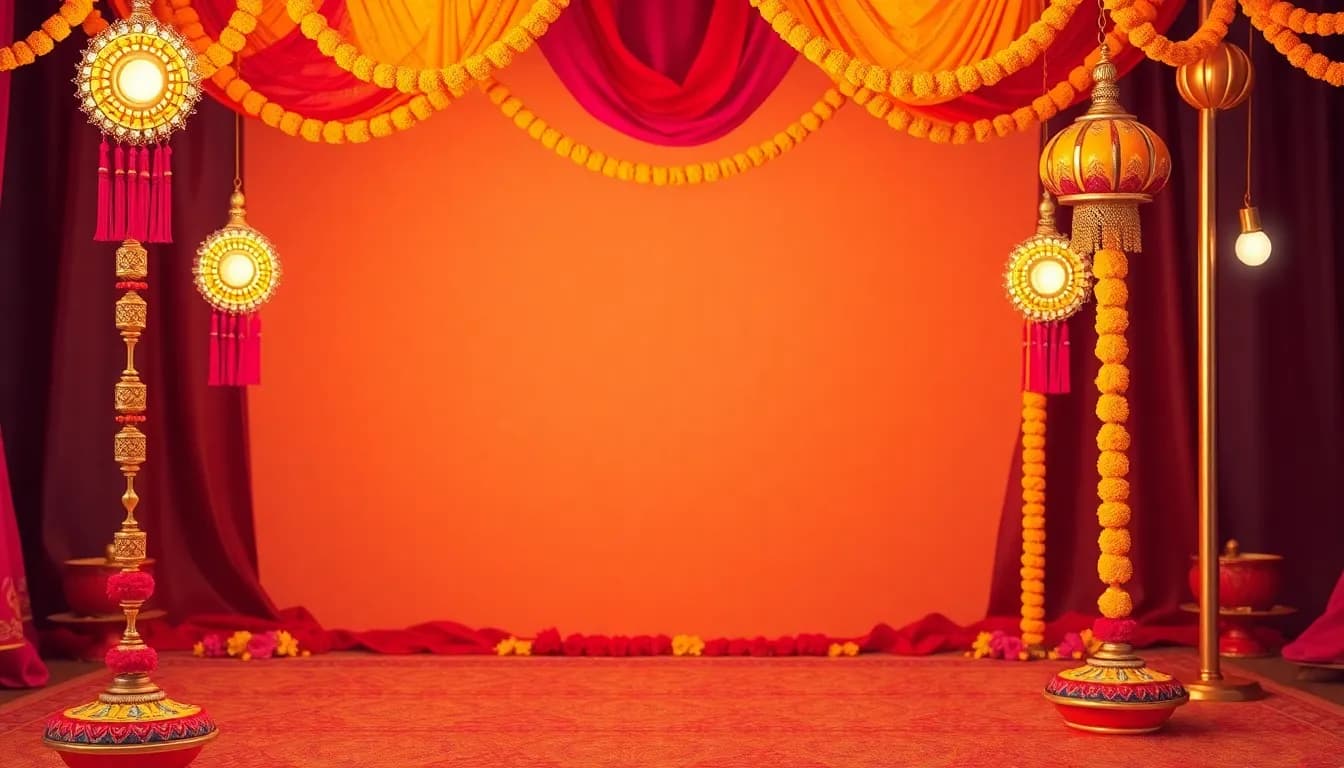
A Diwali banner maker, a sale-banner generator, a Holi post — eleven occasions across four shapes, with space left for your own headline.
Real output

Occasions
| Plain studio | Any time |
| Sale | Any time |
| Holi | March |
| Raksha Bandhan | August |
| Independence Day | August |
| Navratri / Dussehra | Sep – Oct |
| Diwali | Oct – Nov |
| Wedding season | Nov – Feb |
| Christmas | December |
| New Year | Dec – Jan |
| Eid | Varies |
Most of these move year to year, so the months are a guide for planning rather than a calendar. You know the dates better than we do.
Shapes
Homepage hero (21:9), category header (16:9), social post (1:1) and story (9:16). Each one tells the generator where to leave space — the hero keeps its decoration to the right third so a headline fits on the left.
Why this is the one place ThinkrAI generates from scratch
Everywhere else on this site, the model edits a photograph you already own — a real shoe, a real backpack — because inventing what it looks like would be describing a different product than the one on your shelf. A banner is the exception, and it’s the exception for a specific reason: there is no product in it to get wrong. Decoration for a Diwali sale or a wedding-season header doesn’t represent an item a customer will receive, so drawing it from nothing rather than editing an existing photo isn’t a risk here the way it would be on a product page.
That’s also why banners are the cheapest thing to generate. The model used for banners is a fast text-to-image model rather than the slower photo-editing model used for product photos — a banner costs a tenth of what a photo clean-up costs to make, and that saving is passed straight through as the lower credit price rather than kept as margin.
What won’t ThinkrAI put in a banner?
“Generated from scratch” still runs inside the same three rules as everything else here — the freedom to invent a backdrop doesn’t extend to inventing anything a shop owner would need to double-check.
- No products. A generated shoe on your own banner misrepresents your stock exactly as a generated product photo would, just further down the page — the one rule that carries over from the photo clean-up rather than being specific to banners.
- No deities or religious figures. These are religious festivals, and a model’s approximation of a god is not something to discover on a live homepage. Independence Day renders a tricolour palette, never a flag — the occasion is represented by colour and mood, not by symbols the model would have to get exactly right or not use at all.
- No text.These models render lettering badly — warped characters, misspelled words baked permanently into the image — and you are overlaying your own headline afterwards anyway, so the backdrop is built with that space deliberately left empty rather than attempting text and hoping it’s legible.
Questions about banners
How much does a festival banner cost?
1 credit each — the cheapest thing to generate on ThinkrAI, since these are backdrops rather than product photography.
Can I add my own headline or text to the banner?
Yes — that's the point of the space left in every layout. ThinkrAI doesn't render the lettering itself, since these models render text badly; you overlay your own headline afterwards.
Which festivals and sales does it cover?
Eleven occasions — Diwali, Holi, Eid, Raksha Bandhan, Navratri/Dussehra, wedding season, Independence Day, Christmas, New Year, a general Sale banner, and a plain studio option for any time of year.