Phone snapshots into catalogue shots
Remove the background from a phone photo and replace it with a plain studio backdrop, even lighting, no clutter — no photographer, no lightbox, no separate app.
One shoe, shot badly, fixed

Shot on draped fabric in the shop
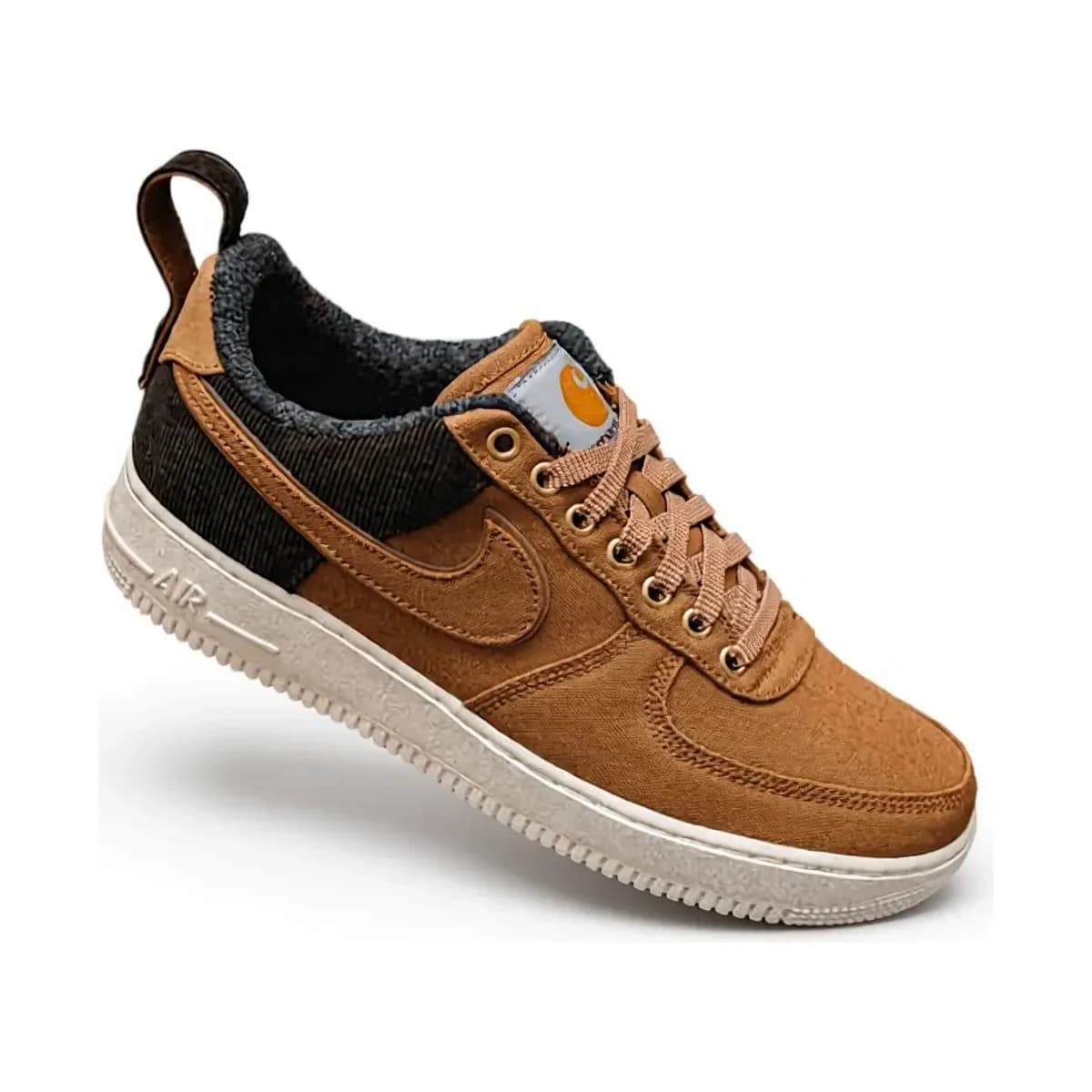
After — Clean white background
Nothing about the shoe itself changed — check the tag, the swoosh, the stitching against the original. The only thing the model was allowed to touch is what surrounds it.
Why a catalogue needs this more than one photo does
A single good photo is easy to get by accident. What’s hard is forty products, shot on forty different days, in whatever corner of the shop had light that afternoon, ending up looking like they belong on the same shelf. That’s the actual product photography problem for a small online shop — not any one picture, but the shelf.
The framing is handled too. After the background is replaced, the product is cropped to its own bounds and rebuilt on a 1200×1200 canvas filling a fixed proportion of it — so a shoe photographed close up and one photographed from across the room come back the same size, centred. Measured across the three below, the longest edge lands within two percentage points every time.

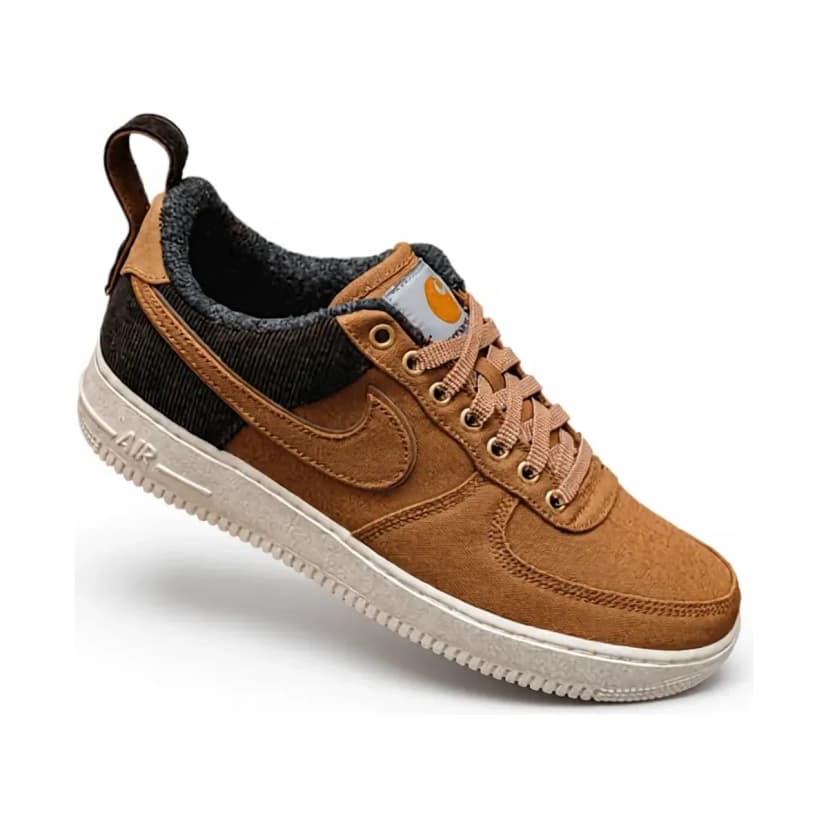
On draped fabric
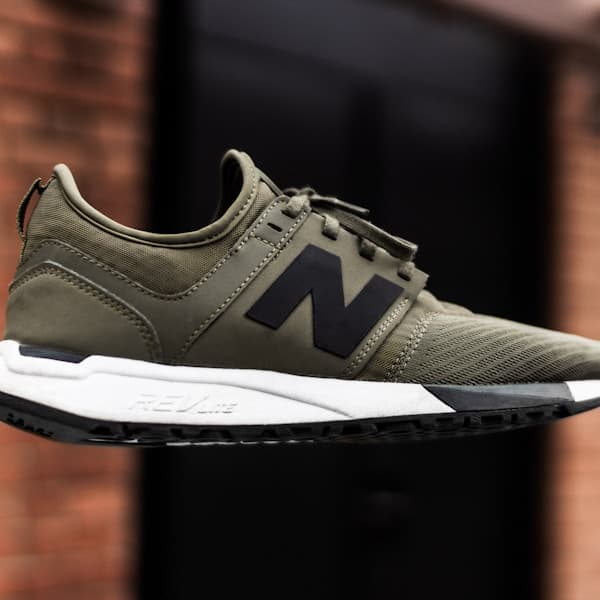
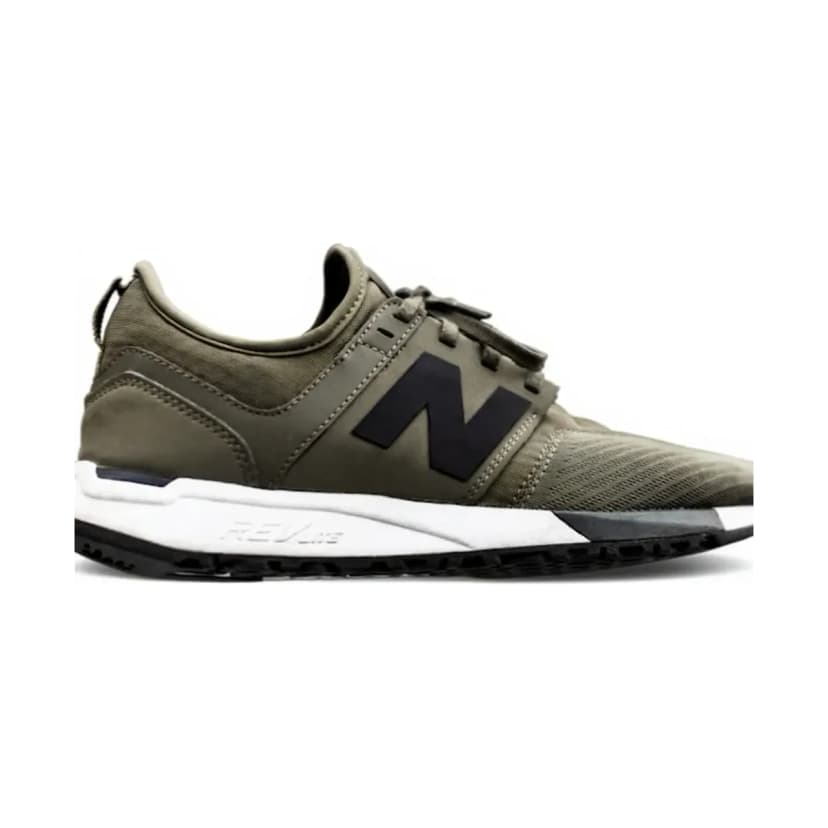
In a dark doorway
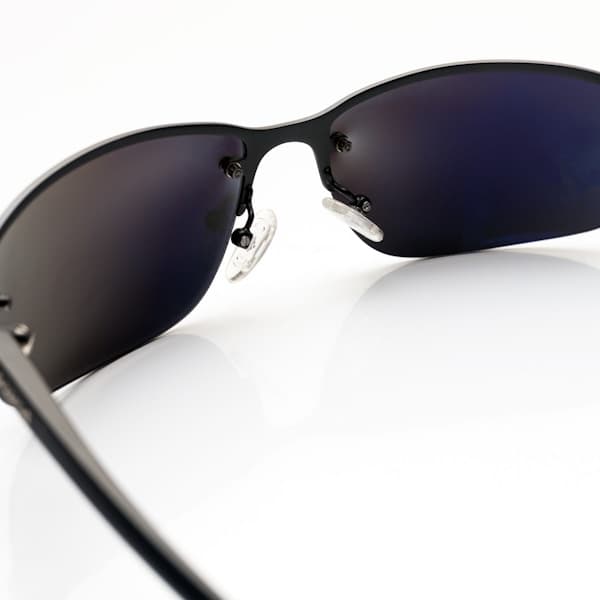
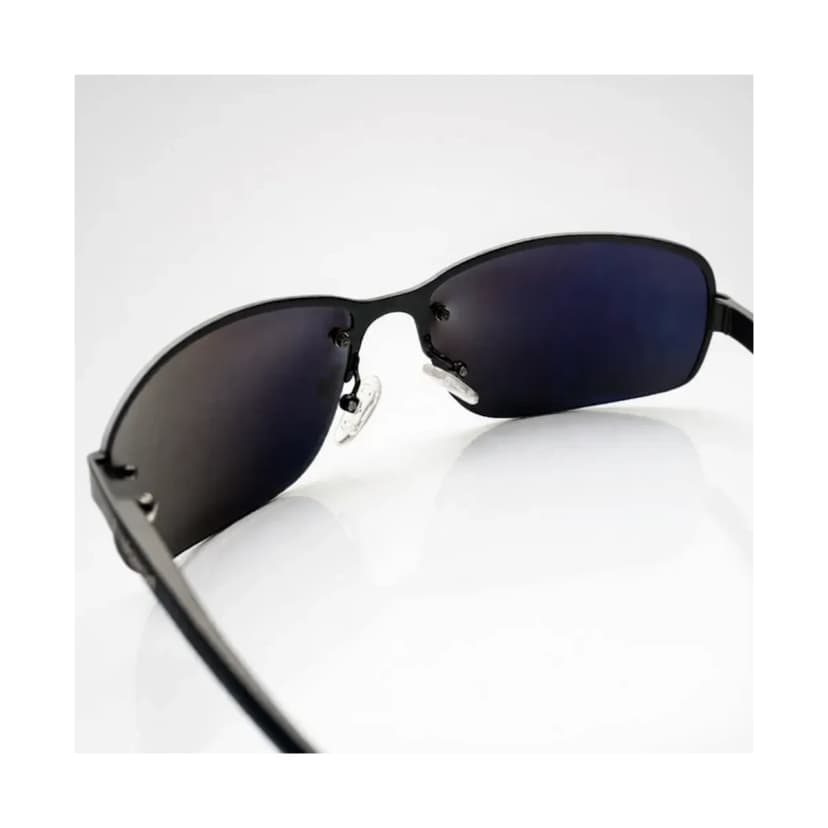
On a reflective glass surface
Does it generate a new photo, or edit mine?
It edits yours. Under the hood that’s a real technical choice, not a marketing line: a text-to-image model builds a picture from a description, which is exactly wrong for a product that already exists and has to look like itself. This uses an image-editing model instead — it starts from the photograph you sent and is only allowed to touch what’s around the product, never the product.
- Three presets, or your own words. Pick clean white, studio grey, or tidy-up — or describe the backdrop yourself. Either way the request only ever reaches the background.
- The product itself is locked — shape, colour, materials, stitching, logos, proportions — regardless of which of the above you choose.
- Your original is never touched. You get a new image and decide whether to keep it.
Being straight about it: the model repaints pixels, so drift is possible rather than impossible. Look at the before and after side by side before you publish. That is the real safeguard; the rules above are the first one.
Questions about the photo clean-up
How much does it cost to clean up a product photo?
5 credits per photo — about ₹12.50 on the smallest pack. You see the result before it's saved anywhere, and nothing publishes automatically.
Does it change my product, or just the background?
Just the background and lighting. Shape, colour, materials, stitching, logos and proportions are locked on every preset — see the rules below.
Can I choose my own background instead of a preset?
Yes — describe it in your own words instead of picking clean white, studio grey, or tidy-up. The product itself stays locked either way; free text only ever changes the backdrop.